Cloudflare's bot settings look simple: a toggle on the Free plan, a few dropdowns on Pro and Business, and a sales conversation on Enterprise. The trouble starts a week after someone turns them on, when a payment provider's webhooks begin failing, a partner's API calls get challenge pages, or the mobile app shows a blank screen in one country.
This post compares the three products, explains what each one breaks and how to make exceptions, and helps you decide which one you need.
The three products at a glance
| Bot Fight Mode | Super Bot Fight Mode | Bot Management for Enterprise | |
|---|---|---|---|
| Plan | Free | Pro, Business, Enterprise | Enterprise add-on |
| What it acts on | Traffic matching known bot patterns | Bot categories: definitely automated, verified bots, and on Business, likely automated | A bot score from 1 to 99 on every request |
| Actions | Challenge, chosen by Cloudflare | Allow, block or challenge per category | Whatever your WAF rules and Workers do with the score |
| Exceptions | Cannot be skipped with WAF custom rules | Skip with a WAF custom rule | Your rules decide per route |
| Scope | Whole domain | Whole domain | Per route, through rules |
| Analytics | Challenged requests in Security Events | A 24-hour bot report on Pro; Bot Analytics on Business | Full Bot Analytics, fingerprints and detection IDs |
Sources: Cloudflare's bot documentation, checked 20 October 2026 and again on 22 November 20261234.
Bot Fight Mode (Free)
Bot Fight Mode identifies traffic that matches known bot patterns and serves it computationally expensive challenges1. It covers the whole domain and cannot be limited to certain paths.
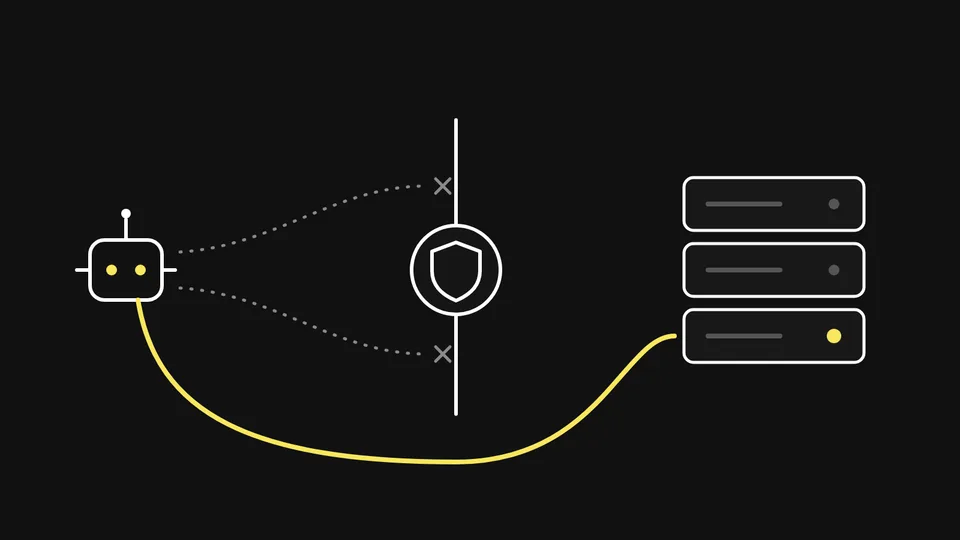
The detail that matters: you cannot bypass or skip Bot Fight Mode with WAF custom rules or Page Rules. It runs outside the rules engine. Cloudflare also says it may challenge API and mobile app traffic. The only exception mechanism is an IP Access rule, which only helps when the client has a fixed address.
Bot Fight Mode suits a brochure site or blog with no API, no app and no inbound webhooks. For anything else, the lack of exceptions is a problem. If it is breaking an integration, your choices are to turn it off or move to a plan with Super Bot Fight Mode.
Super Bot Fight Mode (Pro and Business)
Super Bot Fight Mode sorts traffic into categories and lets you choose an action for each:
- Definitely automated: traffic Cloudflare is confident is a bot. Available on Pro and Business.
- Verified bots: search engine crawlers, monitoring services and other bots that identify themselves and are verified by Cloudflare. Most sites allow these.
- Likely automated: a wider net that catches more sophisticated bots, and more false positives. Business only23.
It also has options for static resource protection, JavaScript detections, blocking AI crawlers and an "optimize for WordPress" setting.
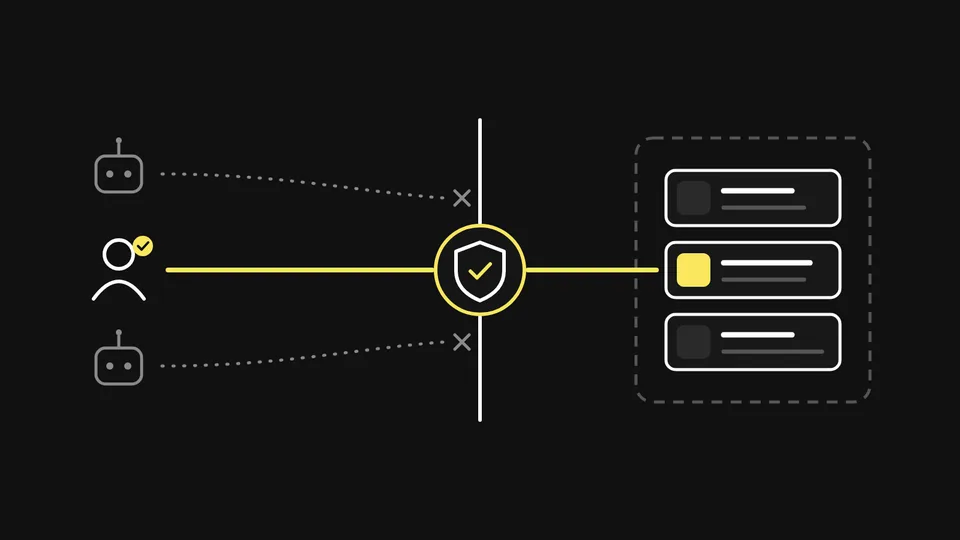
Unlike Bot Fight Mode, it can be skipped. WAF custom rules run before Super Bot Fight Mode, and a custom rule with the Skip action lets matching requests bypass it without ending the request3. That is how you keep webhooks, partner APIs and monitoring working.
The likely automated category is what catches credential stuffing and scraping that imitates browsers. It also catches more legitimate traffic, so it needs someone watching Bot Analytics and adjusting the exceptions, not a setting you turn on once.
Vigilbase Shield includes Super Bot Fight Mode with managed WAF rules and DDoS protection for one domain, on a monthly plan. Our engineers set it up for your application and keep the rules tuned as your traffic changes.
What it caught on our own site
vigilbase.com runs Super Bot Fight Mode. Soon after we tightened it, it challenged some non-browser clients we wanted to reach us, including tools that fetch the sitemap. Here is what a script that asks vigilbase.com for JSON gets back:
Request
GET /cloudflare HTTP/1.1
- Host
- vigilbase.com
- User-Agent
- inventory-sync/1.4
- Accept
- application/json
Response403 Forbidden229ms
- Content-Type
- text/html; charset=UTF-8
- Cf-Mitigated
- challenge
- Server
- cloudflare
The cf-mitigated: challenge header is how a client, or your monitoring, can tell a challenge from a real error. We didn't loosen the setting for the whole zone. We added a custom rule that skips Super Bot Fight Mode only for GET and HEAD requests to /sitemap.xml, /robots.txt and our llms.txt files.
The lesson generalises. The stricter settings are useful and will catch some traffic you want. Find out which, and make a narrow exception for it.
Bot Management for Enterprise
Bot Management is a paid add-on for Enterprise plans, enabled by Cloudflare's account team. Turning it on replaces Bot Fight Mode and Super Bot Fight Mode on the zone4.
Instead of categories, every request gets a score: 1 means automated, 2 to 29 likely automated, and 30 to 99 likely human. Your WAF custom rules and Workers can use the score along with other fields, such as whether the bot is verified, JA3 and JA4 TLS fingerprints, and detection IDs for specific bot behaviours.
That moves the decision into your rules, per route:
http.request.uri.path eq "/login" and cf.bot_management.score lt 30 and not cf.bot_management.verified_bot
The same zone can challenge low scores on login and checkout, allow them on public content, and leave the API alone because it authenticates every request anyway.
Bot Management is worth it when bots cost you real money (credential stuffing, card testing, inventory hoarding, scraping of prices or content) and you need different treatment on different routes. For a site whose only bot problem is noise in the logs, it is more product than you need.
What bot controls break, and how to keep it working
Bot controls are aimed at clients that are not browsers. Plenty of your legitimate traffic is exactly that:
- Payment provider and SaaS webhooks, which post to your callback URLs.
- Mobile apps calling your API.
- Partner and B2B integrations.
- Uptime monitoring and synthetic tests, unless the service is a verified bot.
- Mail clients and proxies fetching images, which static resource protection can block.
- Corporate proxies and Zero Trust traffic. A request with no User-Agent header gets a bot score of 1, a common cause of false positives.
- Cloudflare Tunnel. Cloudflare advises keeping definitely automated traffic on Allow if you use Tunnel, to avoid websocket errors3.
Before you turn on a bot product, list every non-browser client that calls the zone and decide how each one gets through. For Super Bot Fight Mode, that is a WAF custom rule with the Skip action, scoped by evidence the client cannot fake. A path name or a user agent is not enough on its own, because an attacker can send both. Use the provider's published IP ranges in an IP list, or an authentication header your application checks:
http.request.uri.path eq "/webhooks/payments" and http.request.method eq "POST" and ip.src in $payment_provider_ips
Your application must still verify the webhook signature. The skip rule only stops Cloudflare challenging a client that cannot answer a challenge.
Which one do you need?
A simple site with no API, app or webhooks: Bot Fight Mode on Free can be enough. Check that forms still submit.
A customer-facing site with integrations, logins or checkout: Super Bot Fight Mode, with skip rules for each integration and rate limiting on login and checkout. Vigilbase Shield gives you this as a managed service for one domain, with our engineers tuning the rules.
Bots cost real money and need different treatment per route: Cloudflare Enterprise with Bot Management, and score-based rules per route. Vigilbase sells the Enterprise licence, scopes Bot Management with it and operates it under Managed Cloudflare.
Bot controls work alongside rate limiting rather than replacing it. Our post on Cloudflare rate limiting rules covers the rules to set for login, one-time codes, API and checkout. Plan features and how Vigilbase operates bot controls are on Cloudflare Bot Management.
For several domains, APIs or per-route bot scores, talk to us about Cloudflare Enterprise with Bot Management. To see how your zones handle bots today, run the free, read-only Cloudflare Checkup; its documentation lists every category it checks.
What is the difference between Bot Fight Mode and Super Bot Fight Mode?
Bot Fight Mode is the Free plan's bot protection. It acts on the whole domain and cannot be skipped with WAF custom rules. Super Bot Fight Mode, on Pro and above, lets you choose actions per bot category and skip it for specific traffic with a custom rule.
Can I skip Super Bot Fight Mode for an API or webhook?
Yes. Create a WAF custom rule with the Skip action, scoped to the API or webhook path and to evidence such as the provider's IP ranges. Custom rules run before Super Bot Fight Mode.
Why is Bot Fight Mode blocking my API?
Bot Fight Mode may challenge API and mobile app traffic, which cannot solve a challenge, and WAF custom rules cannot skip it. Turn it off, use an IP Access rule for fixed client addresses, or move to a plan with Super Bot Fight Mode.
Is Cloudflare Bot Management worth it?
When bots cost real money, through credential stuffing, card testing or scraping, and you need different rules per route, yes. Per-request scores let you challenge bots on login while leaving the rest of the site alone. It comes with Cloudflare Enterprise, which Vigilbase sells and operates. For a single site, Super Bot Fight Mode through Vigilbase Shield is usually enough.
Sources
- ↩
Cloudflare, Bot Fight Mode.
- ↩
Cloudflare, Bot solutions on Pro plans.
- ↩
Cloudflare, Super Bot Fight Mode and bot solutions on Business and Enterprise plans.
- ↩
Cloudflare, Bot Management and Bot Management subscription.