Most of what people ask us comes down to a handful of short questions. Is our website secure? Can someone spoof our email? What do we owe this month? Is anything down? Until now, each answer meant opening a scanner, a dashboard or an invoice.
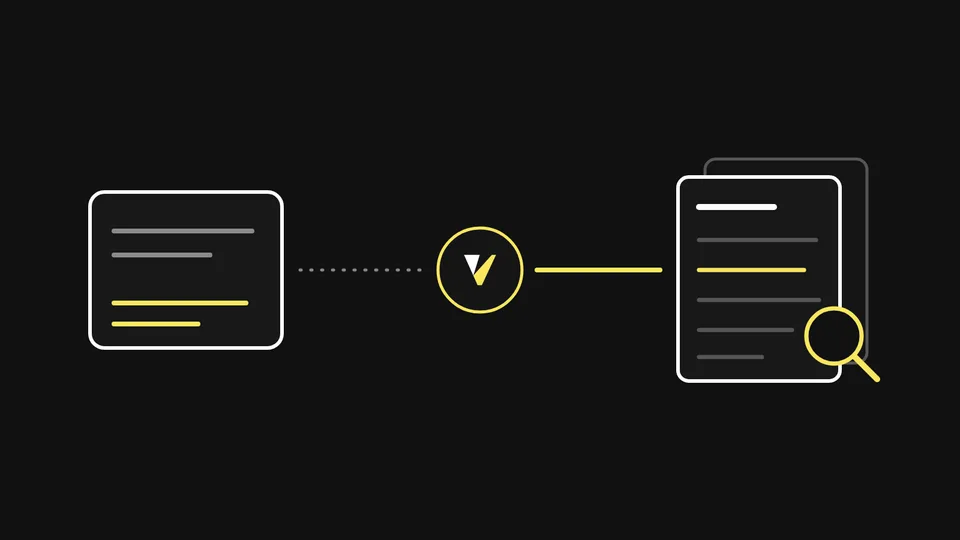
From today you can ask Claude. Vigilbase is listed in the Claude directory at claude.ai/directory/vigilbase. Click Connect, ask your question in plain words, and Claude gets the answer from Vigilbase.
Ask it like you'd ask us
The answers below are real. They come from the sample workspace we set up for the directory review, so the customer and its figures are made up, but the replies are exactly what the connector returned.
"Is our website secure?"
Claude runs a Vigilbase scan of the site's HTTP security headers, gives you the grade and tells you which fix matters most. We asked about cloudflare.com: it scored a B, 69 out of 100, and Claude's advice was to fix the Content Security Policy first, because its script-src still allows 'unsafe-inline' and 'unsafe-eval'. The reply linked to the full report on vigilbase.com.
"Can someone spoof our email?"
Claude checks the domain's SPF, DKIM and DMARC records and explains whether a stranger could send mail that looks like it came from you. If your DMARC policy is still p=none, our guide to moving from p=none to p=reject covers what comes next.
"What do we owe this month?"
For Vigilbase One customers, Claude reads the invoices on your contract. In the sample workspace it found one open invoice, $2,550 due on 1 December, and confirmed every earlier invoice was paid.
"Is anything down?"
Claude reads your Watchdog monitoring: uptime, latency and certificate expiry for every site you monitor. In the sample workspace all three sites were up, and the next SSL renewal was 48 days away.
Free checks, and your whole workspace when you sign in
The security checks work for any website, with no account. Signing in as a Vigilbase One customer adds your workspace.
| No account | Vigilbase One customers | |
|---|---|---|
| Security header grades for any website | Yes | Yes |
| SPF, DKIM and DMARC checks for any domain | Yes | Yes |
| The Website Security badge | Yes | Yes |
| Search and read the Vigilbase docs | Yes | Yes |
| Scans a day | 5 per network | 50 per account |
| Services, contracts and contract invoices | No | Yes |
| Watchdog uptime, latency and SSL expiry | No | Yes |
| Support and change requests | No | Yes |
| Actions such as adding or removing a Watchdog target | No | Yes, after you approve |
Signed in, Claude can do anything in Vigilbase One that your role allows, from reading a change request to adding a site to Watchdog.
How to connect
Open the listing. Go to claude.ai/directory/vigilbase and click Connect. The security checks are ready straight away.
Sign in when you need your workspace. The first time Claude asks Vigilbase One for something, you sign in with your Vigilbase account and choose one organisation.
Ask. "Is anything down?" is a good first question.
In Claude Code, add the server from your terminal, then run /mcp to sign in:
claude mcp add --transport http vigilbase https://mcp.vigilbase.com
The same address works in Codex and other MCP clients. The MCP server guide has the details for each.
You stay in control
Claude works as you, inside the one organisation you chose, and can never do more than your role allows. Reading and changing your workspace are separate permissions: the first sign-in grants read access only. Before Claude adds, changes or removes anything, it asks you to approve that action. Every request is recorded in your audit log, and you can revoke Claude's access at any time under Authorized applications in Vigilbase One.
Vigilbase is a community connector in the directory, built and maintained by us. Tell us what you'd like to ask it next.